

Accurate batches.Optimised performance.Maximum throughput.
Batching and mixing for feed mills
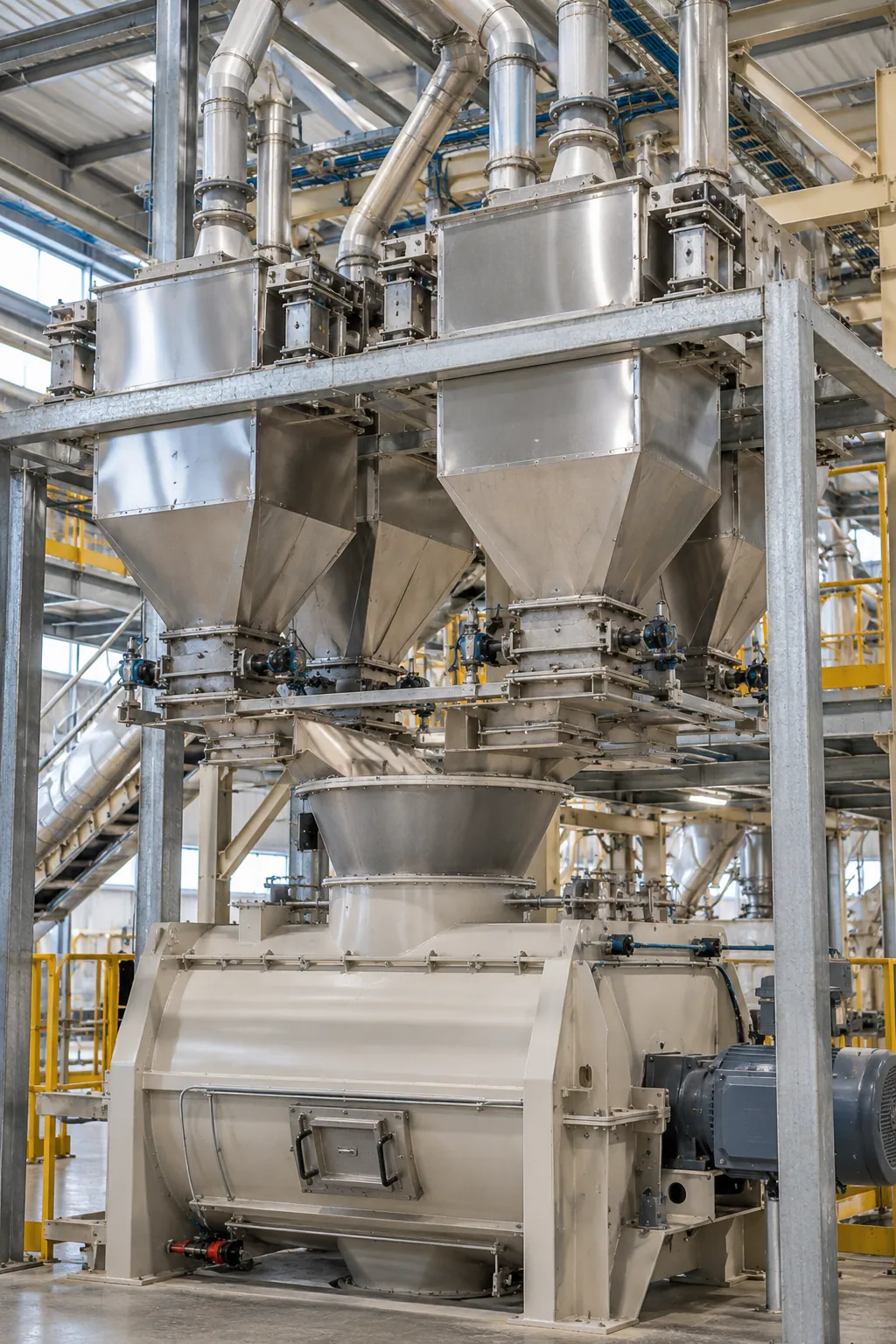
Automill's batching and mixing module builds on the planning and recipe information to bring everything together. Each bin gets its own control block, so every batch is weighed fast and right, with on-time information throughout the process.
- A control block for every bin
Automill has a unique batch control block for each raw material bin, not one universal block, with automatic parameter adjustment and dual parameter sets for high or low inclusion of the same raw material.
- It learns from the last batch
A self-learning feature uses previous batch information, such as insights and batching variances, to gain both speed and accuracy.
From recipe to perfect mix
- Contamination codes at each location
Recipe movements are managed through every process, with contamination codes at each location or section of the plant, so different recipes cannot be put into the same place by mistake.
On the SCADA
Every step visible
- Batching times, transfer times, route destinations and recipe info displayed at each step
- Recipe and order information moves to each holding point, so the exact batch info can be viewed at every step
Troubleshooting
- Information and alarms for each instrument, motor and valve connected to the PLC
- Visible status of each piece of equipment
- Alerts when the wrong hand additions are being used
Who can do what
- Access rights set per user login: Operator, Maintenance, Manager and more
- Enable or disable features and windows per user


Three operation modes
Auto
All equipment is in automatic mode and subject to the sequence or start-up rules of that process.
Manual
Equipment is started and stopped from the pop-up window on the SCADA. Sequence interlocks still apply, but equipment in manual does not start or stop automatically.
Maintenance
Equipment starts and stops independently of the PLC sequence, for maintenance only, and only with user rights set for maintenance personnel.
What you get
- Accurate, consistent batches for high-quality feed
- Higher throughput with optimised control
- Cross-contamination prevented
- Fewer errors, less downtime and rework
- Real-time visibility and faster troubleshooting
- Compliance, traceability and full process control